Review every page before you share: editing a StoryMint book
Read every page, then describe the change you want. How editing works for picture books, comics, coloring books and beta novels.
StoryMint writes and illustrates a book from one idea, but the book isn't finished until you say it is. You're the editor. Before a book goes to a child, a class or a grandparent, it's worth reading every page once, and changing what doesn't sound like you.
Read it through first
When your book is ready, it opens in the book view, with the pages front and center. Read it the way you'd read it aloud at bedtime. A few questions help:
- Does it sound like your family? Names, nicknames, the way characters talk.
- Is every page right for the reader? Words a child knows, sentences short enough to read aloud.
- Does the ending land? A calm ending for bedtime, a big one for a birthday.
Change a page by describing it
To change something, press Edit this page on the page you want to change, or open the Edit with AI tab to change the whole book. Then say what you want, in plain words:
- "Make this page shorter and easier to read aloud."
- "Rename the dragon to Ember on every page."
- "Make the ending cozier."
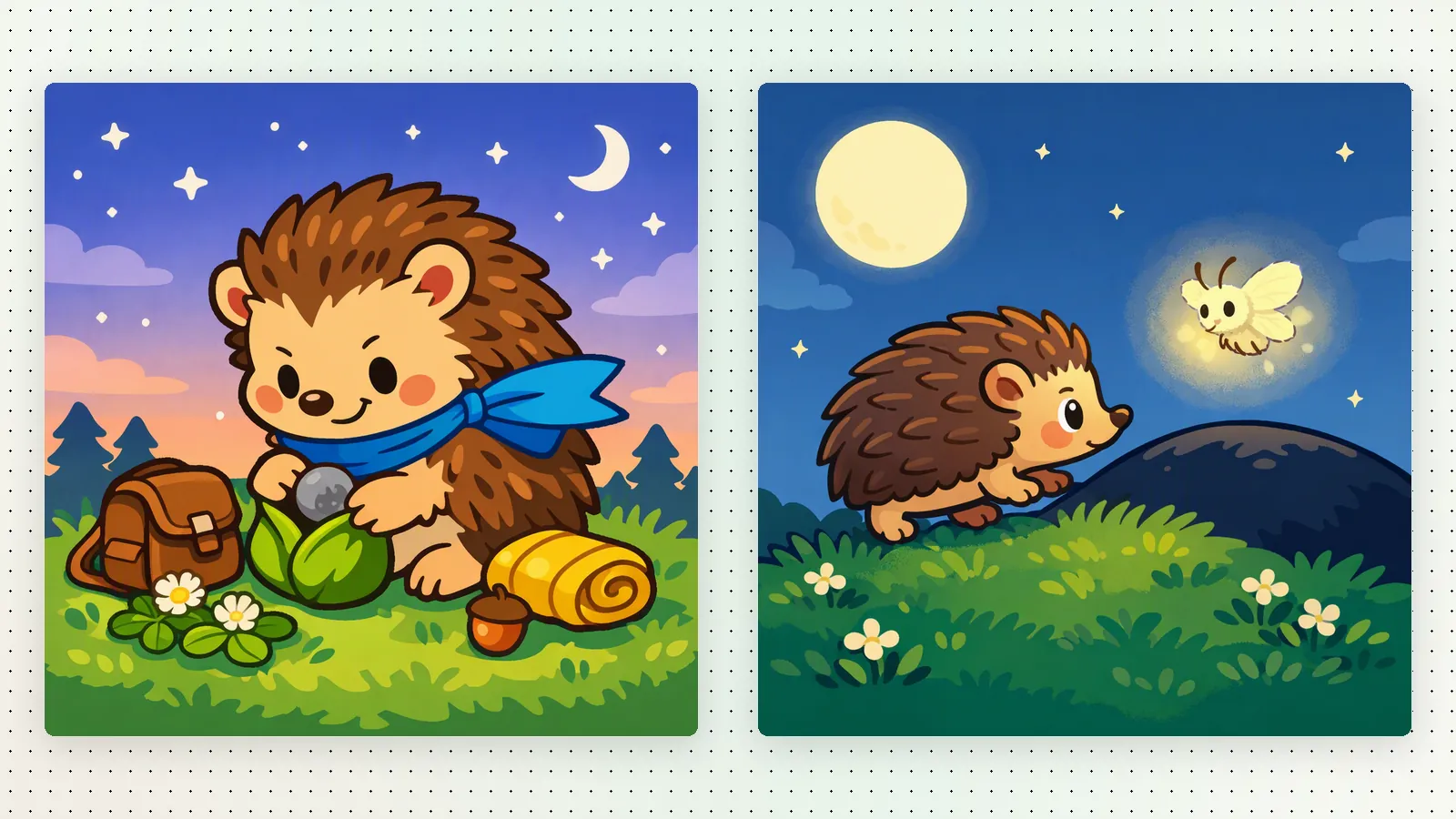
- "Add a line where Pip thanks the firefly."
StoryMint rewrites the words with AI and the page updates in the preview, so you can read the result right away and ask for another change if it's not quite there.
What you can change, by format
- Picture booksRewrite one page or the whole story: names, tone, the ending, how long each page is.
- ComicsPick a page and change the dialogue or the narration. The panels stay as they are.
- Coloring booksWith captions on, rewrite the captions. The pictures stay as they are, so start a new coloring book to change the drawings.
- Beta novelsRewrite a chapter's text.
Small edits, big difference
- Change one thing at a time. "Make this page funnier" gives a clearer result than a list of five changes in one message.
- Say what you want, not only what's wrong. "Make it calmer, like a lullaby" works better than "I don't like it."
- Read it aloud once more at the end. Your ear catches what your eyes miss.
When it's ready
Once the book reads the way you want, share it or download it. The downloadable PDF comes with an eligible paid plan or book credit, and everything you changed in the chat is in it.