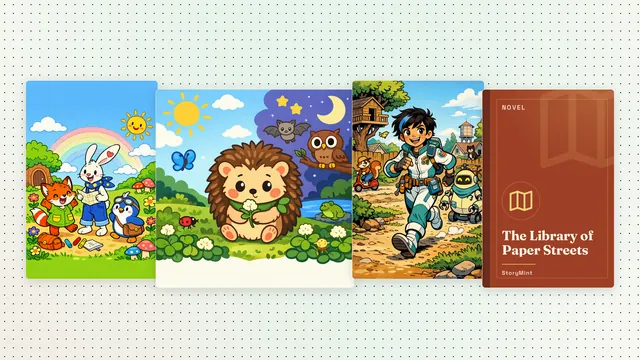
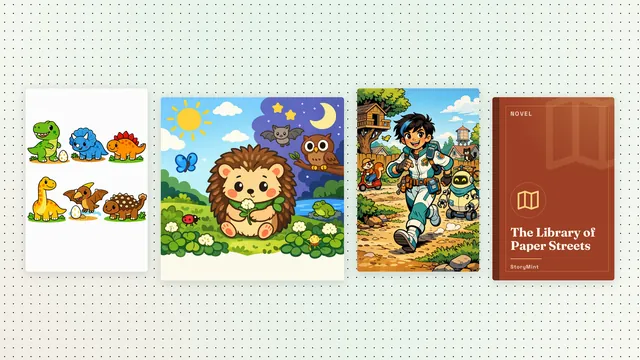
Every public library book now has a page of its own
Its own address, its cover, its format and a Read now button. Share a favorite with one link, or find it again from a search engine.
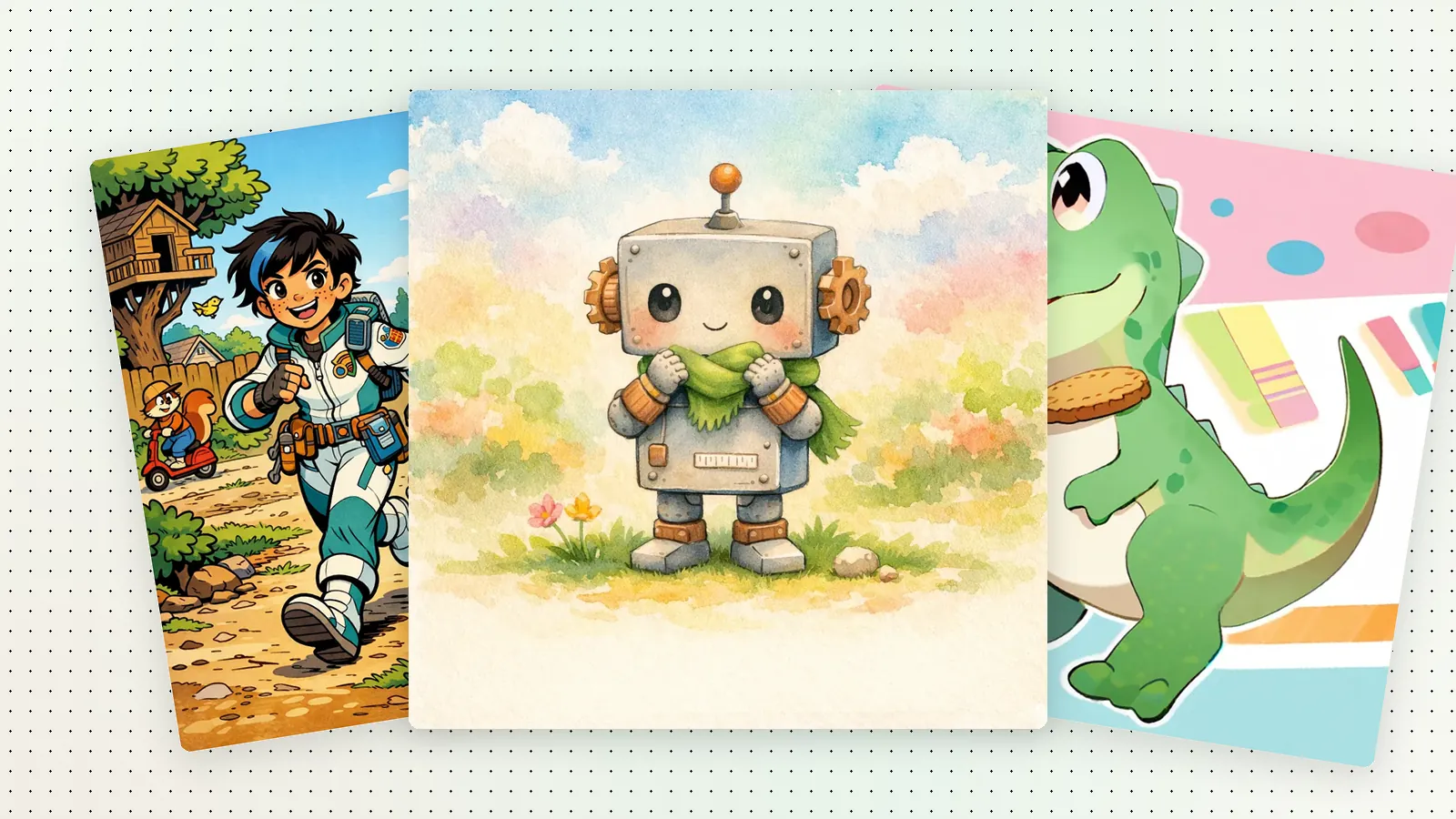
A good book deserves its own address. Until now, a book in the StoryMint Library opened from the library page itself. Now each public library book has a page of its own, with a link you can keep, share and find again.
What's on a book page
- The cover, shown whole, like a real book.
- The title and the kind of book: a picture book, a comic, a novel or a coloring book.
- A short description, so you know what the story is about before you open it.
- Read now, to open the book in the reader, and a PDF link when the book has one.
Easy to share
Copy the address from your browser and send it to a grandparent, a teacher or a friend. The link opens that book, not the whole library. When you paste it into a chat or a post, the book's cover shows up in the preview.
Easier to find
Search engines like Google read each book page as a book: a clear title such as "Book title — a picture book by StoryMint", the cover, the language and the format. We list the public book pages in our sitemap so search engines can find them.
Some books stay out of search on purpose: books shared only with a private link, books that were taken down, and books that don't have a proper title yet.
In English and in Spanish
Books in the Spanish library get the same kind of page on es.storymint.ca, with Spanish titles such as "Título del libro — un libro para colorear de StoryMint".