Coloring books in StoryMint: from one idea to printable line art
Describe a theme, pick a line style, and StoryMint draws the pages: bold outlines, one scene per page and a color cover to match.
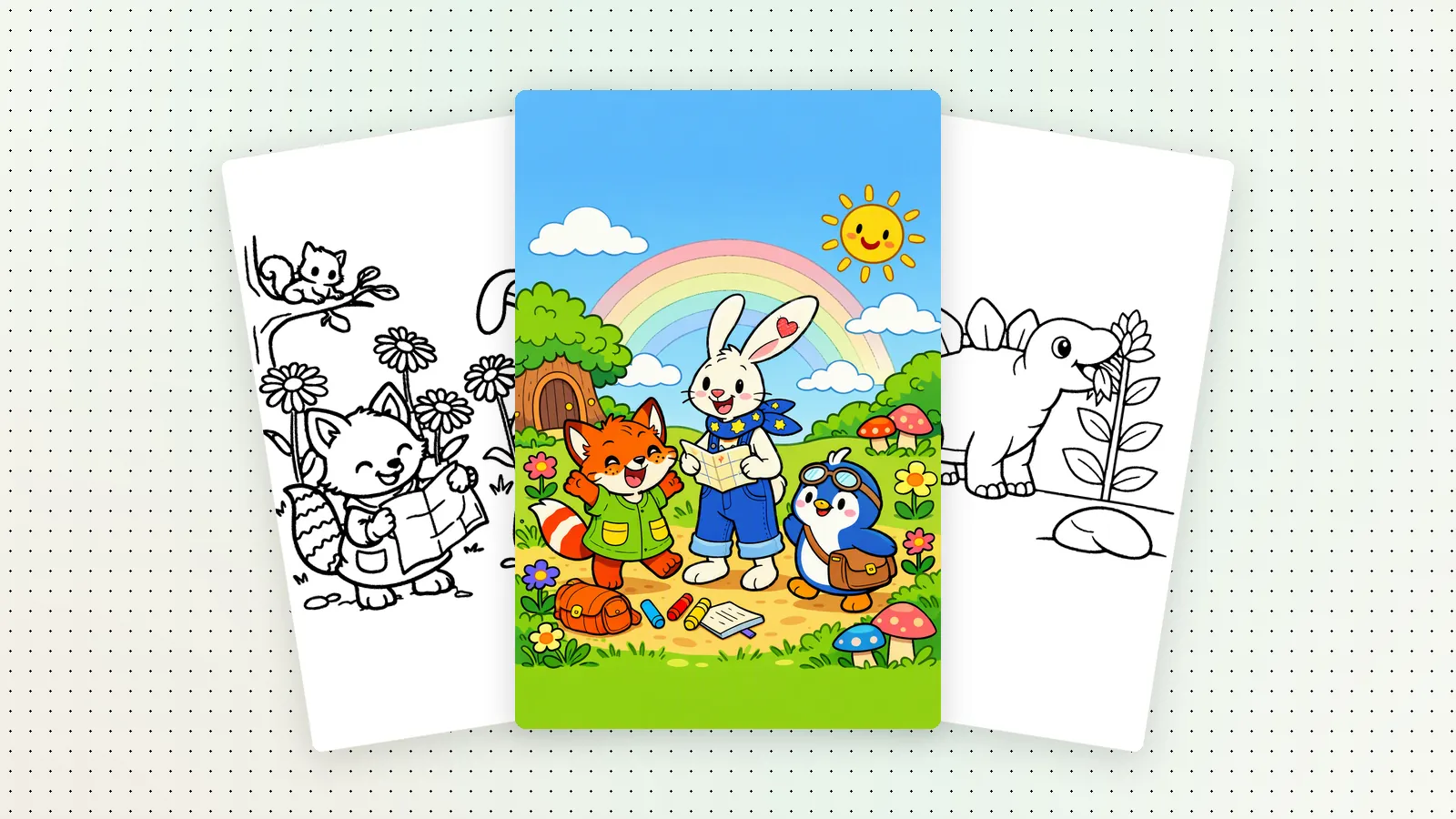
Coloring book is now a regular format in StoryMint. It sits in the Create menu right next to Picture book, Comic and Novel (beta), and it's the simplest place to start. You describe a theme in a sentence. StoryMint plans the pages, draws each scene as black-and-white line art with bold, closed outlines, and makes a color cover to match.
There's no drawing on your side and no templates to fill in. If your kids are into dinosaurs this month, the book is about dinosaurs. If it's trains next month, the next book is about trains.
What you get
- One scene per page, drawn as clean black lines on white paper. There is no gray and no shading, so crayons, colored pencils and markers all work.
- A color cover with the book's title, so the finished book looks like a book.
- Pages that are checked before they reach your book. Every page goes through an automatic paint-bucket test that checks the color stays inside the lines, and a page that fails is drawn again.
- Optional captions. A short sentence under each picture turns the book into a little story you can read together.
Pick a line style
The line style decides how much detail goes on each page. The three styles are named for who's holding the crayons:
- Big shapes for little handsVery large, simple shapes with extra-thick outlines and lots of open space. A good first coloring book.
- Bold linesClear, large areas with a few fun background details. The default, and a good fit for most kids.
- Fine linesMore detail and smaller shapes, for older kids who like to take their time.
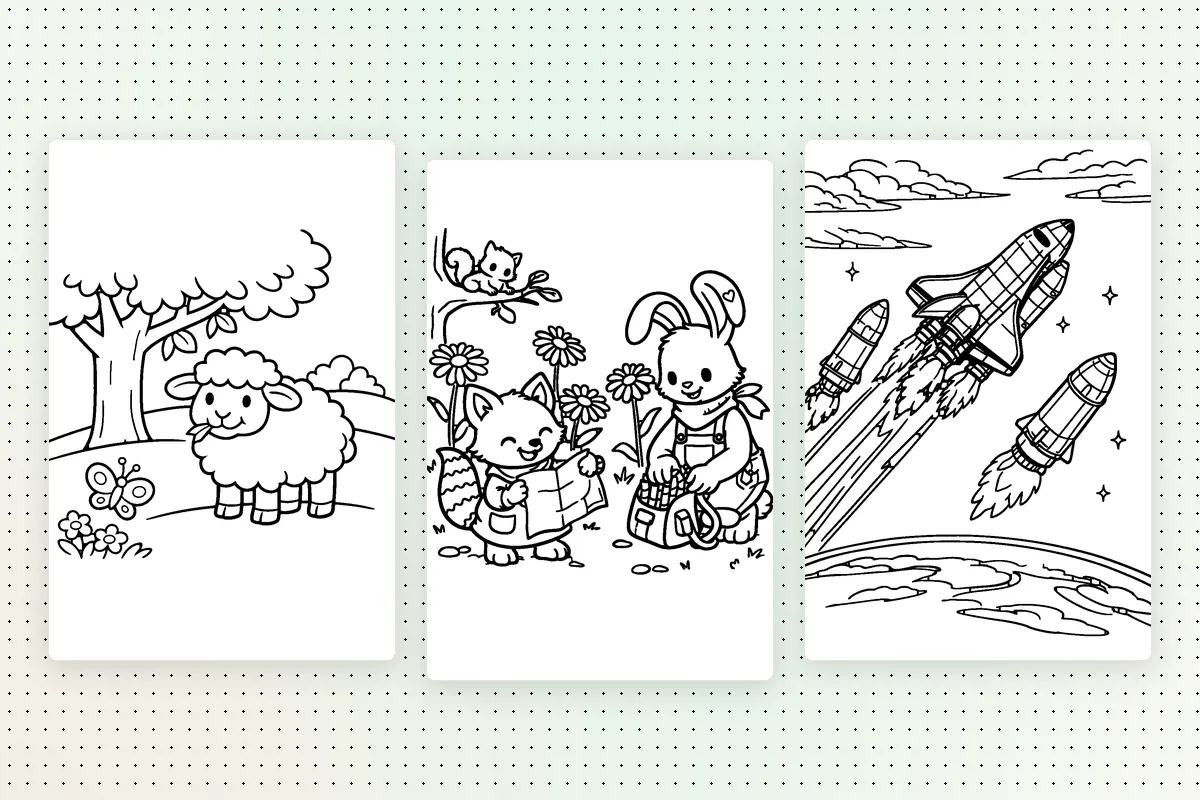
Not sure which one to choose? Picking a coloring style by age walks through real pages from each style.
With a story or just pictures
Leave Add a short caption under each picture off for a classic coloring book: a picture on every page and nothing else. Turn it on and StoryMint writes one short sentence for every page, so the pictures follow a story from the first page to the last. You can change those captions later by asking for it in the book's chat.
How to make one
- Open StoryMint and choose Coloring book under Create.
- Describe a theme: who is in it and where they are. "Friendly dinosaurs planting a garden" is plenty.
- Pick a line style, and turn captions on if you want a story.
- Start your book. When it's ready, look through every page in the book view.
Plans and printing
Coloring books are included on every plan, including Free. The Free plan shows a preview; Pricing lists what each plan includes. When you want the PDF to print at home, choose an eligible paid plan or book credit.
Tips for a theme that colors well
- Name a subject and a place. "Ocean animals throwing a bubble party" gives StoryMint more to draw than "animals".
- Keep it gentle and concrete. A few clear characters in a simple scene color better than a crowd.
- Match the style to the colorer. For the youngest, pick Big shapes for little hands and one friendly character.
- Use what they love right now. A favorite animal, the name of a new baby brother or sister, the trucks they point at on the street.