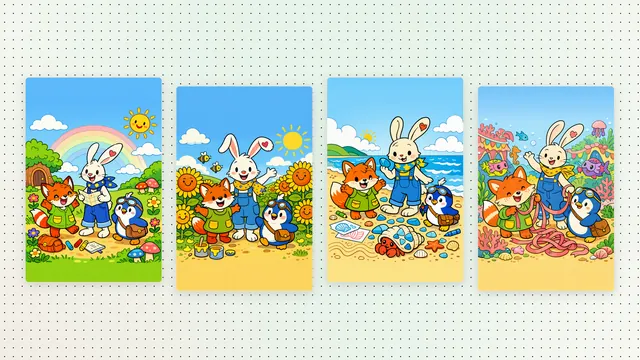
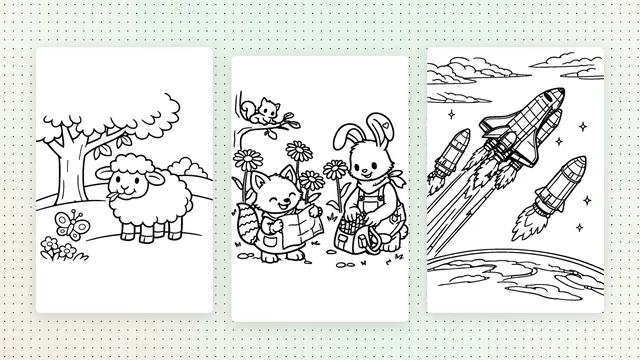
Coloring pages with a story: add a short caption under each picture
One switch turns a coloring book into a little story: a short sentence under every picture, written for the page it sits on.
A classic coloring book is all pictures. That's perfect for some days. On others, a small story makes coloring feel like reading a book together: you turn the page, read one sentence, and color what happens next. StoryMint coloring books can do both.
One switch
When you describe your coloring book, you'll see Add a short caption under each picture. Leave it off and every page is a picture and nothing else. Turn it on and StoryMint plans the book as a story: a beginning, a middle and an ending, with one short sentence under each picture that matches the scene above it.
What the captions sound like
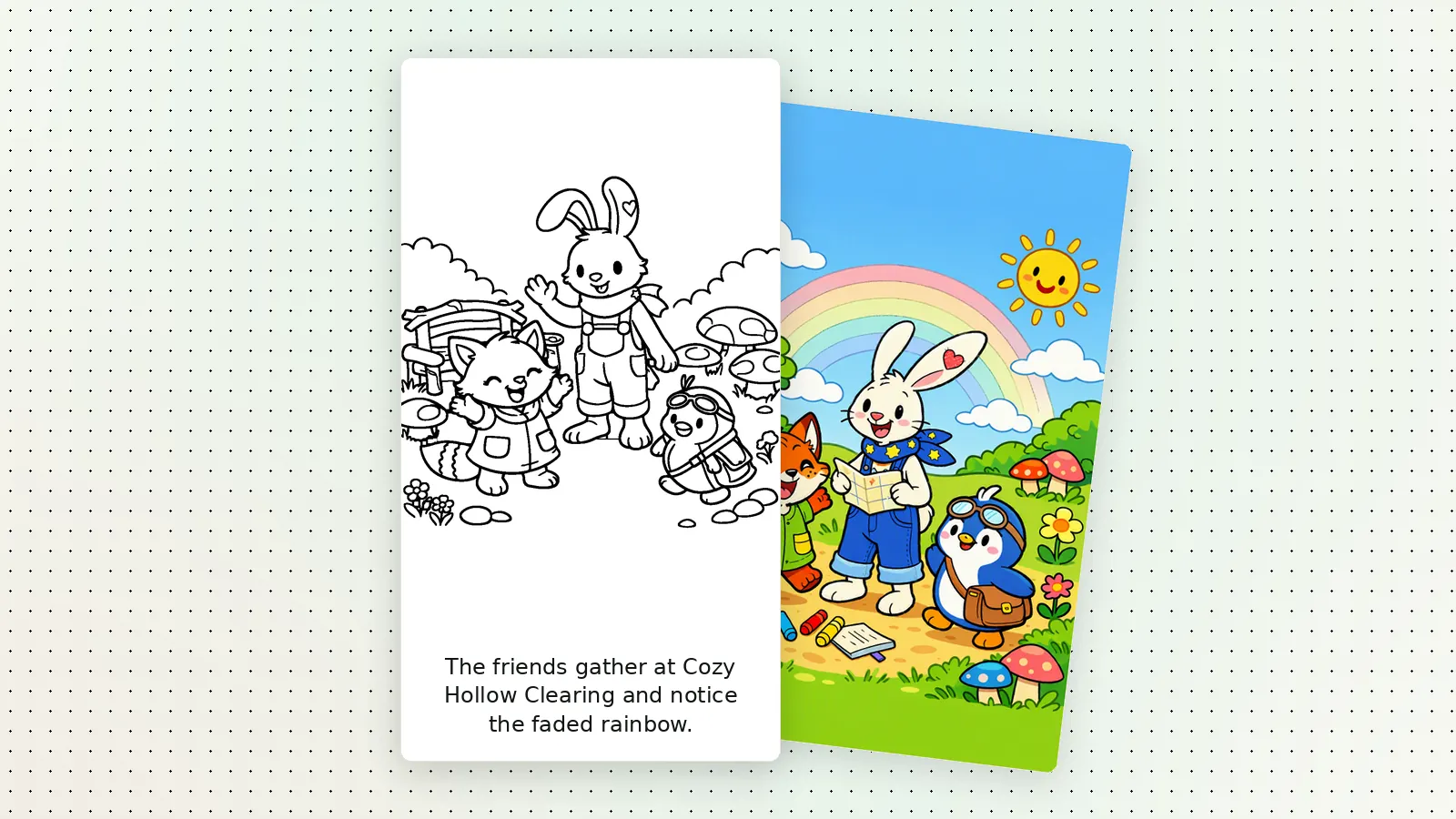
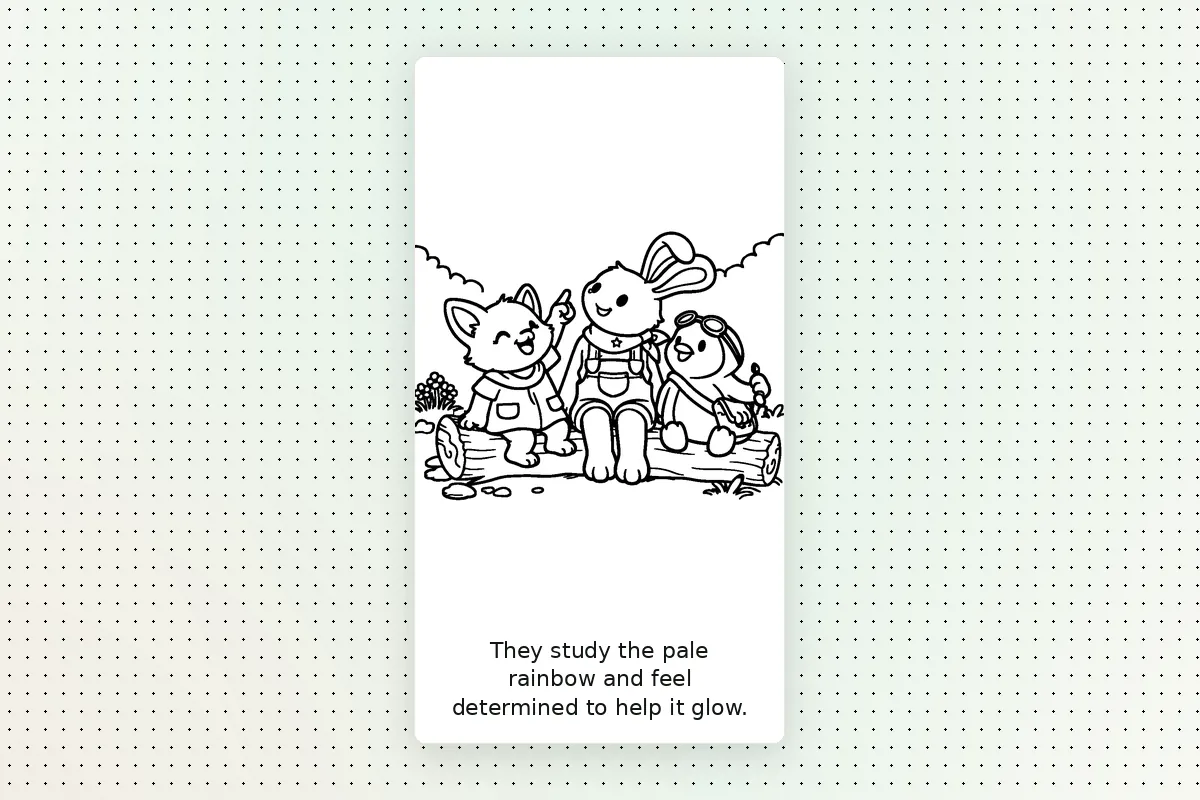
Captions are short on purpose, so they fit under the picture and are easy to read aloud. Here are the first pages of Colors for the Rainbow, a coloring book the StoryMint team made with captions on:
Each sentence moves the story along and tells the colorer what's in the picture, without saying which colors to use. That part is up to them.
Captions or no captions?
- Choose captions for bedtime coloring, for early readers who like to sound out a sentence, or when a child wants a book "about" something: a trip to the beach, a new puppy, the first day of school.
- Skip captions for the youngest colorers, for rainy-day pages you print one at a time, or when the picture should stand on its own.
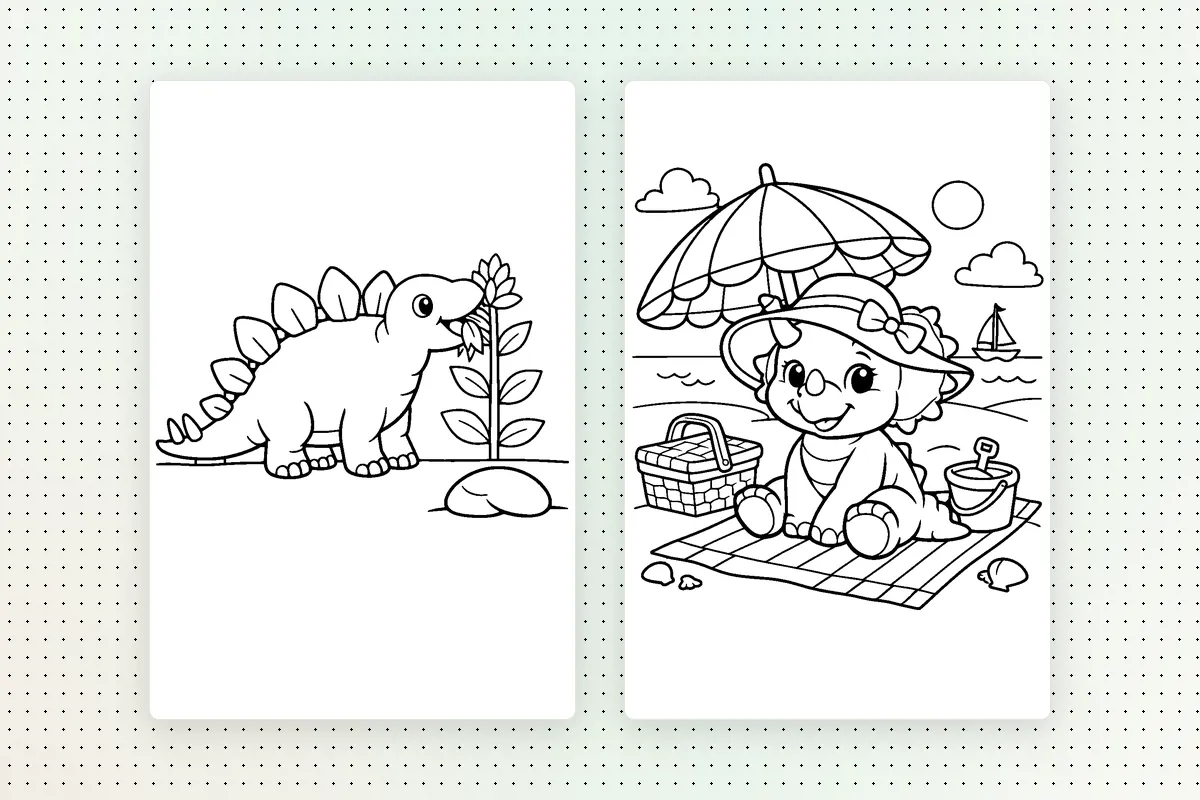
Change the words later
Captions aren't set in stone. Open the finished book and press Edit this page to change one caption, or open the Edit with AI tab to change them all, for example "make the captions rhyme" or "call the fox Maple on every page", and StoryMint rewrites the captions and rebuilds the book. The pictures stay as they are, so a caption change never means waiting for new drawings.
Tips for a good story coloring book
- Give the idea a small plot. "Three friends follow a map to bring the colors back to a faded rainbow" gives the captions somewhere to go.
- Keep the cast small. Two or three characters are easier to follow page after page.
- Read it together first. Flip through the book view and read the captions aloud before you print. If one sentence doesn't sound like your family, change it with Edit this page.